Time KeeperYour Time Buddy
A tiny character in the corner of your Mac keeps your app and website time in check.
Coming soon for Mac
macOS 14 or later · 103 MB
Apple silicon and Intel
One-minute video
How it works
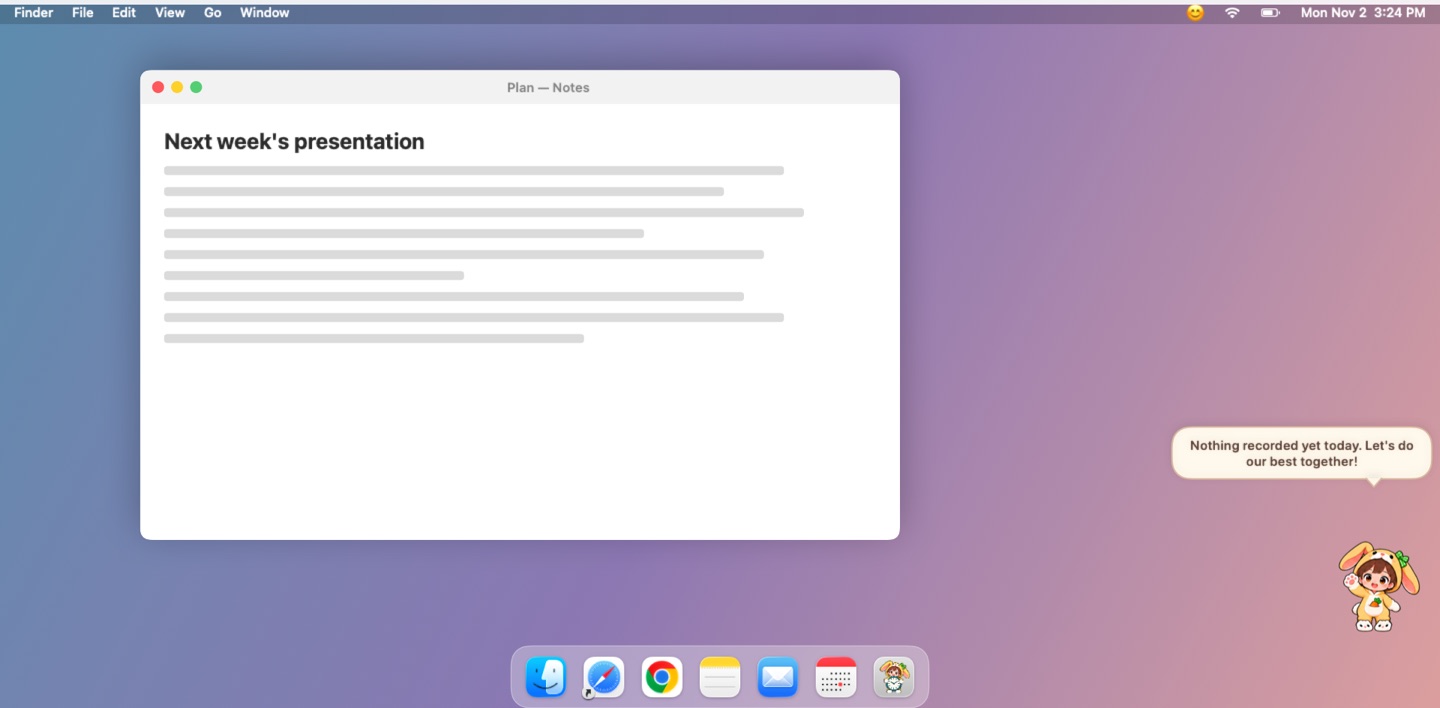
Choose what to time
It asks before timing any new app or site.
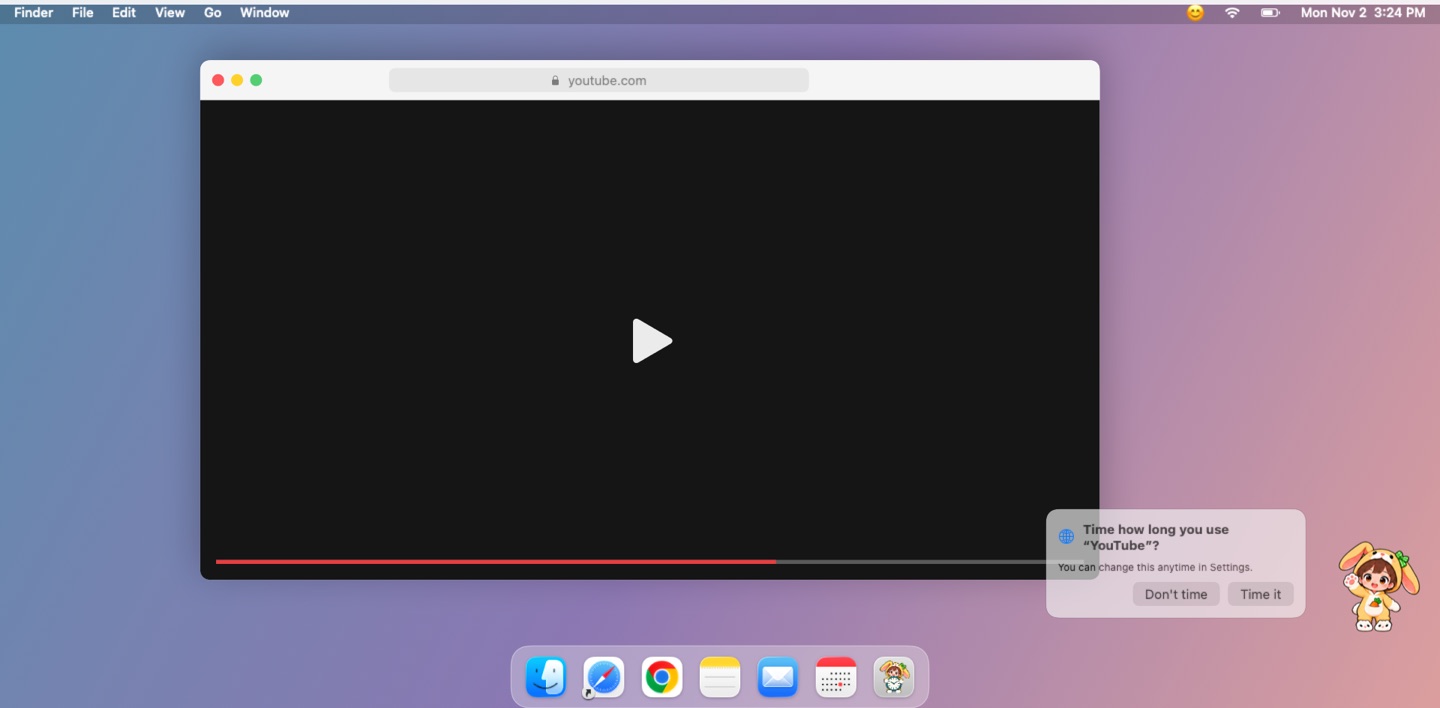
Set daily limits
For example, one hour of YouTube a day.
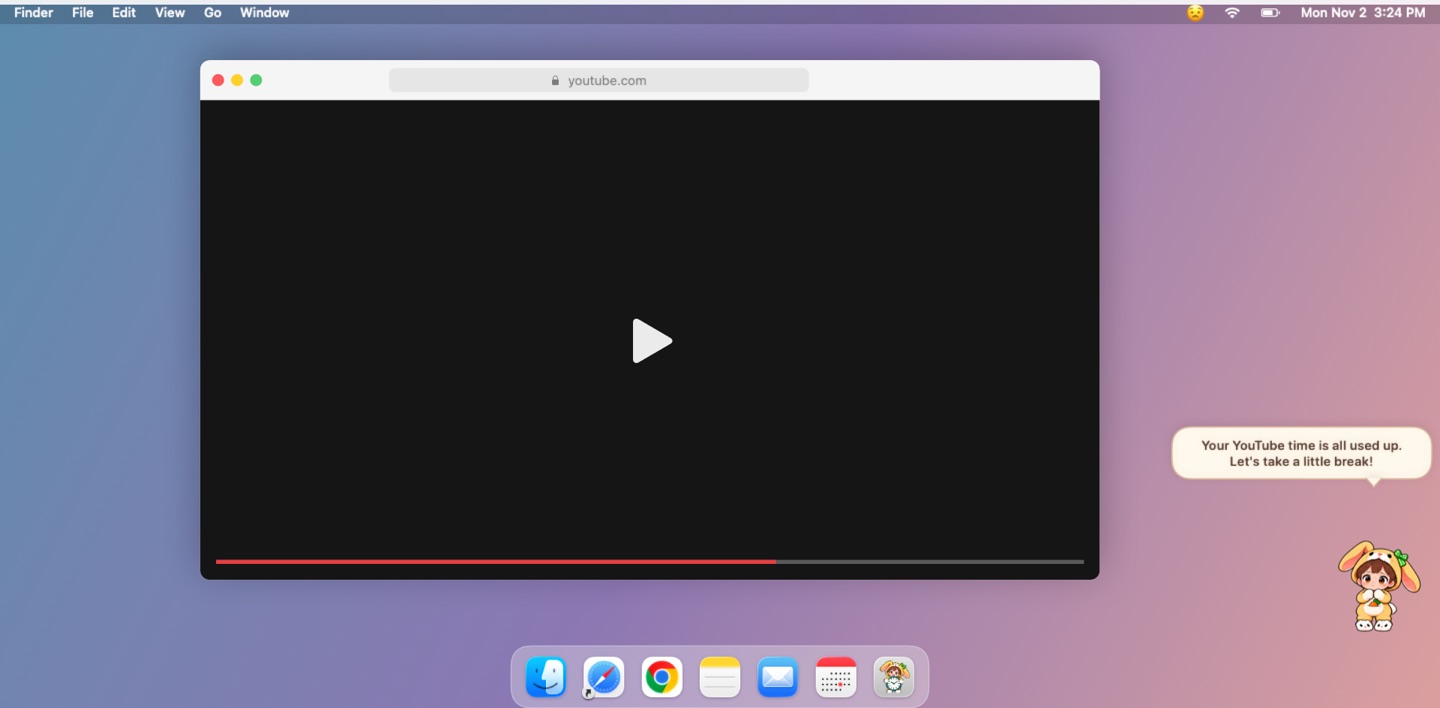
Get a nudge
Go over and your buddy speaks up. Close the app and it cheers.
Never in your way
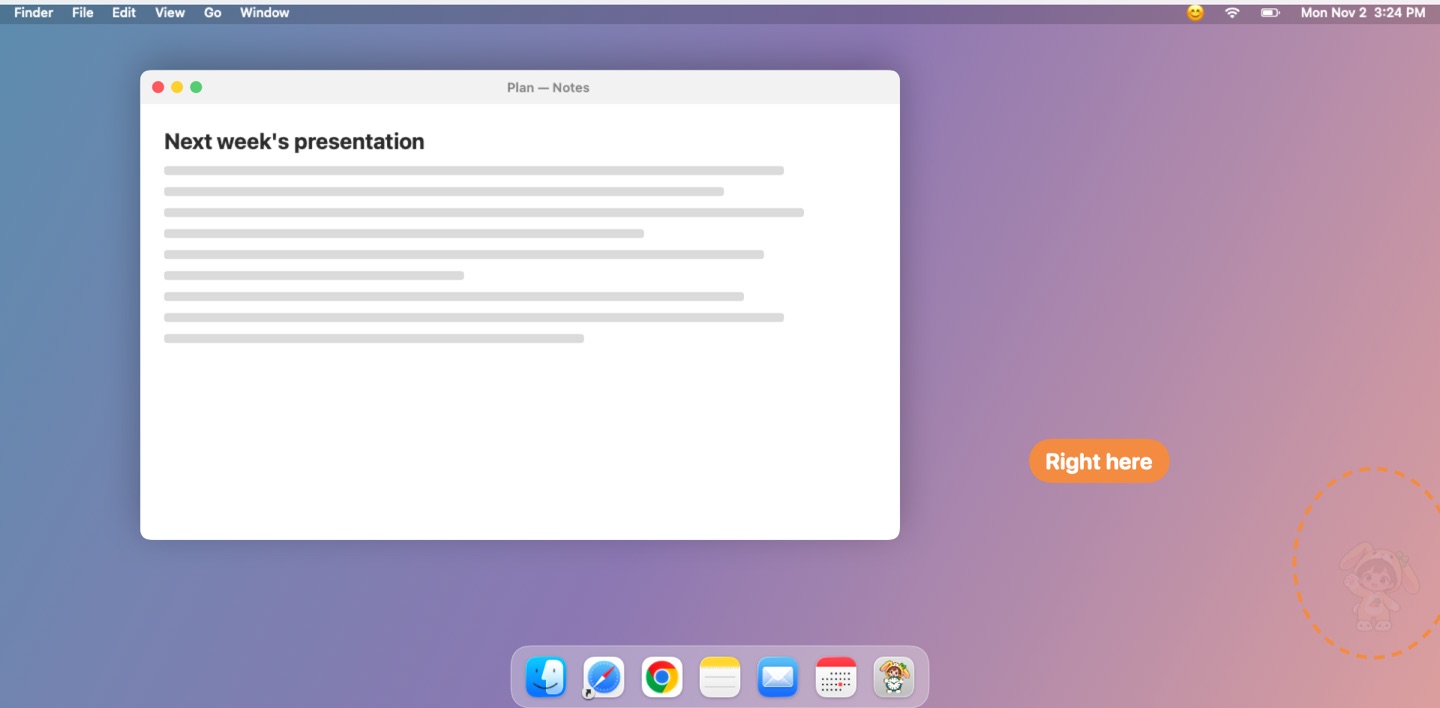
90% transparent by default
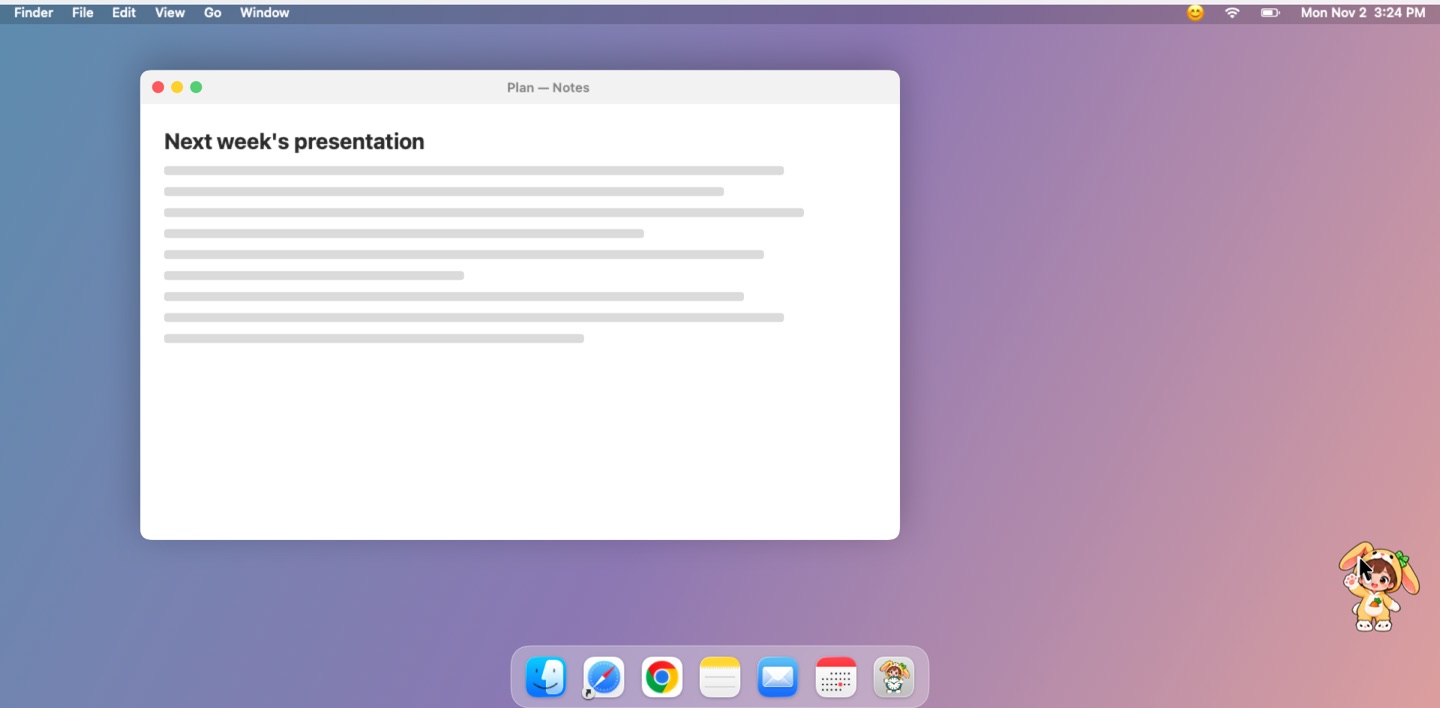
Clear only on hover or when it talks
Five buddies
When your YouTube time is up:
YouTube time is up… Can we stop now, please?

YouTube time is up, honey. Give your eyes a rest.

YouTube time's up. Let's wrap it up.

Your YouTube time has run out. Let us return to our research.

YouTube time is over! Back to duty, now!

Styles 1–9









- Size 50–200%
- 83 languages
Six moods, by how far you go

Calmunder limit

Worried100%

Angry125%

Crying150%

Disappointed175%

Sulking200%
Also
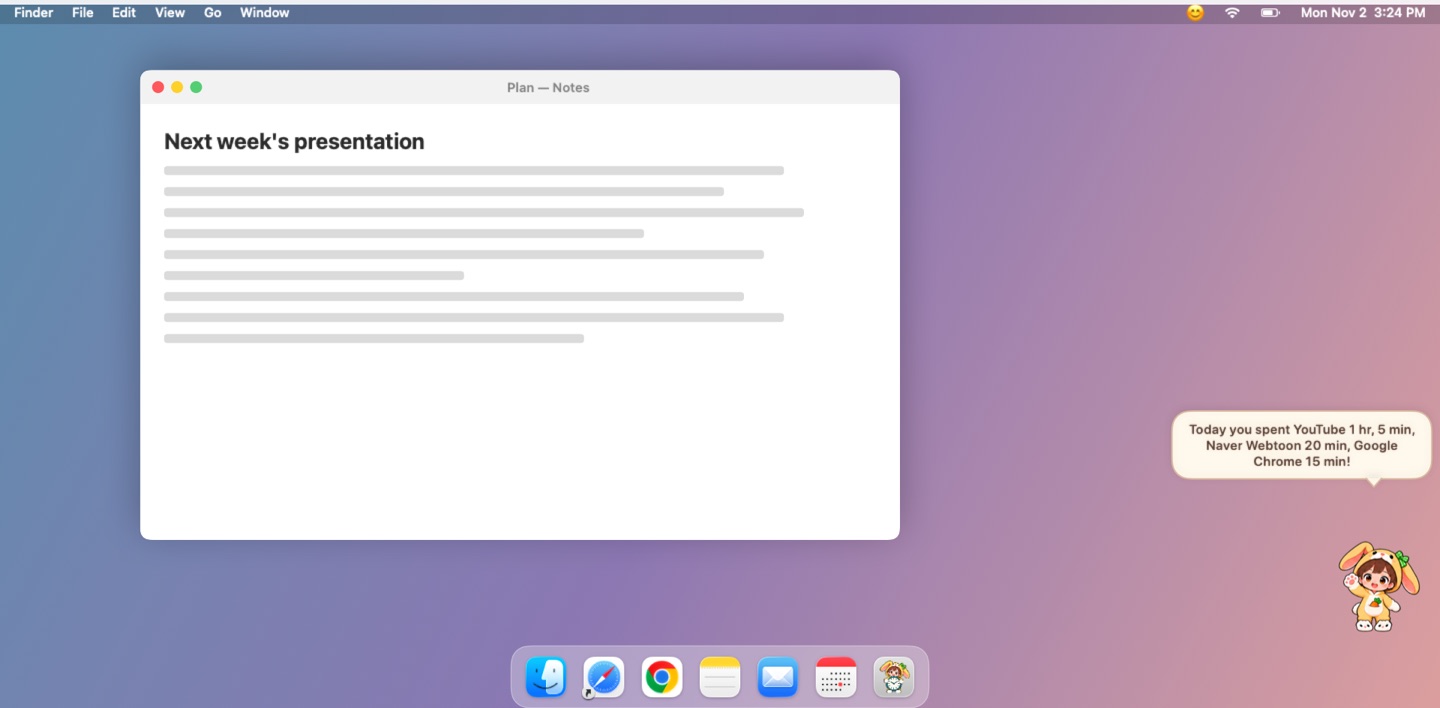
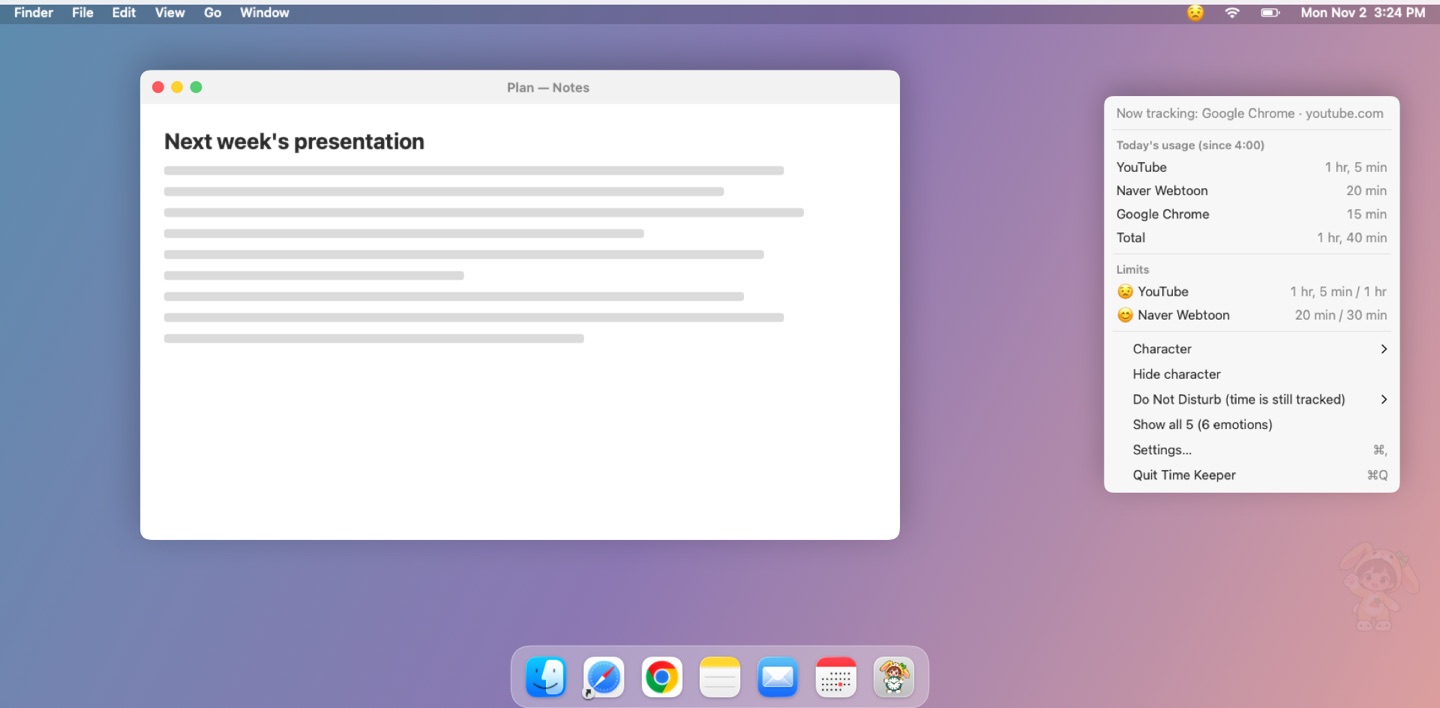
Click for today's usage
Also in the menu bar · Do Not Disturb
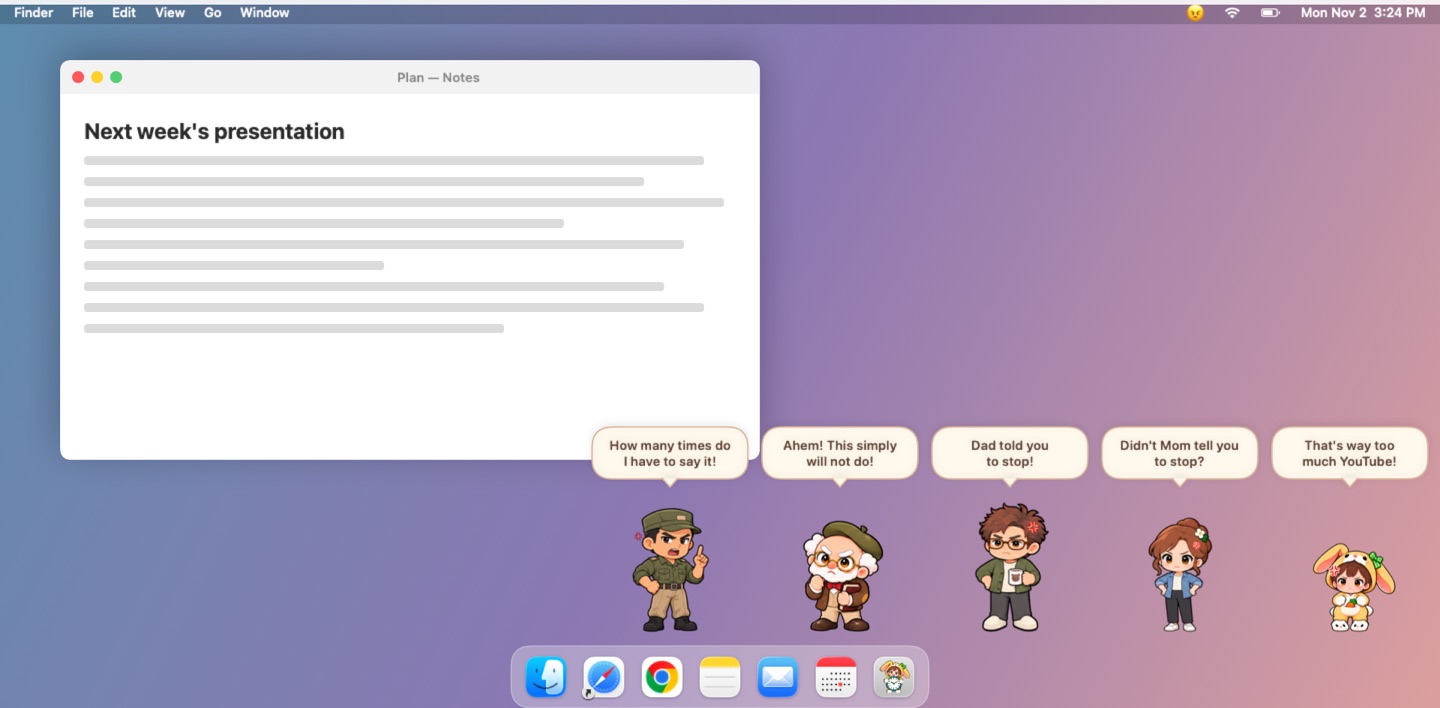
Show all five
All five act out the six moods in turn
Records stay on your Mac
- Only what you allow
- Site names onlylike youtube.com
- Nothing sent outNo servers, accounts or analytics
- Delete anytimeAll at once in Settings
Details
- Price
- Free · no ads or purchases
- Requires
- macOS 14 or later · Apple silicon and Intel
- Install
- Open the dmg and drag to Applications
- Browser access
- For per-site time · decline and that browser isn't timed
- Open at login
- Off by default · turn on in Settings
- Uninstall
- Move to Trash · delete records in Settings first
- Windows · Linux
- Coming later